
omg i can do this with paint so.. pls stop posting this!
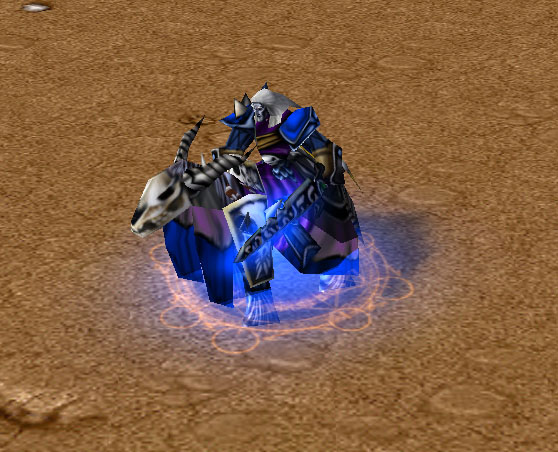
as i sayed, it was a requested thing for some1 who can't make own skins at all, maybe because he has no programm which can manage with targa bitmaps, or with the alphachannel, i don't know.
it wasn't hard work, u don't have to tell me it could be made in 5 minutes, i made it in 10, and only made it because the guy who needed it can't make ANY reskins.
btw, u can't do it with paint. paint has no alphachannel
No. You are importing NEW textures, which will overlap the old ones that make UHA yellow, making both of them red
wtf? I added a "Red" at the end of both pathes, and i changed it in the mdx too. maybe I missunderstand you, if so, explain it in a clearer way plz, i'm german
you can use both, the red one, and the original one in the same map, by importing the mdx, and the 2 skins with edited pathes. If you don't need the original one, you import the two textures with the path of the original models texture path.
