to darkblade
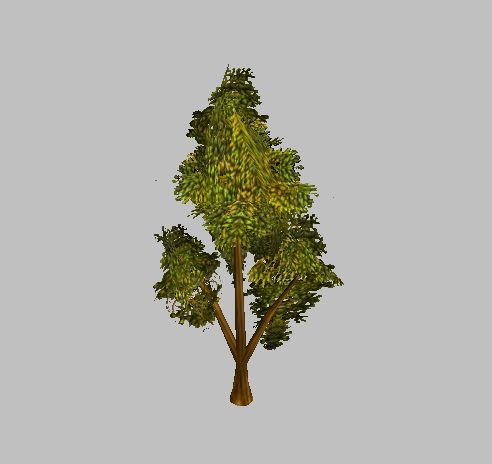
just assign it like you would a unit. In the object editor go to the tab "doodads" and find the doodad you want to replace with this model. Then go to "art-model file" and use the imported model "tree6"....and then change "art-replaceable textures to the skin for this model. and change model variations to 1...it should work.
just assign it like you would a unit. In the object editor go to the tab "doodads" and find the doodad you want to replace with this model. Then go to "art-model file" and use the imported model "tree6"....and then change "art-replaceable textures to the skin for this model. and change model variations to 1...it should work.