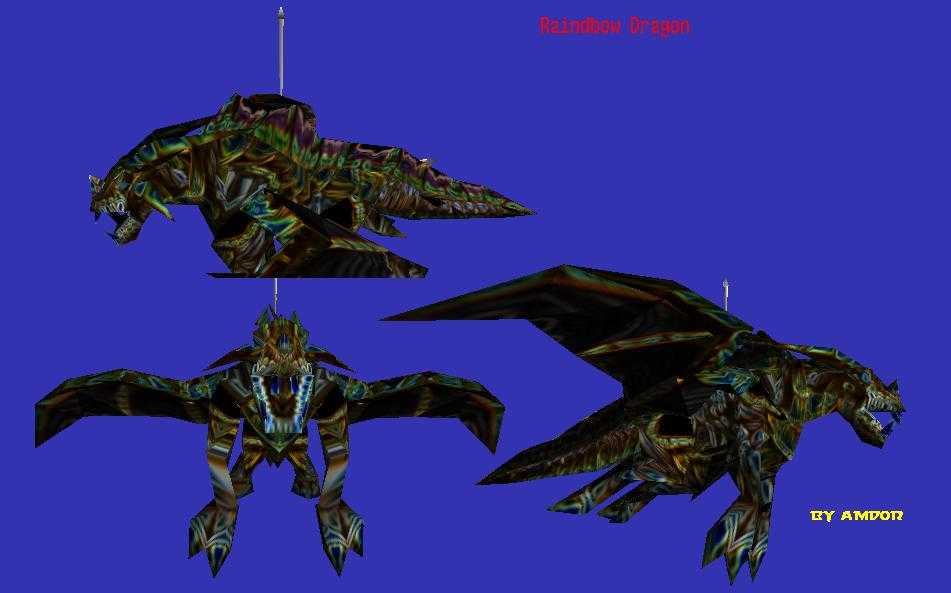
ok people, here's the tutorial:
1. convert the bronzedragon.blp with warcraft 3 viewer to a tga
2. start photoshop, load the tga file
3. apply filters -> stylize -> glowing edges (1/1/1)
4. apply auto-contrast
5.
optional: tweak slightly
6. save as rainbowdragon.tga and convert back to blp
7.
important: upload to wc3sear.ch (and lie in your comments

)


 it is too big monney spent for my funds