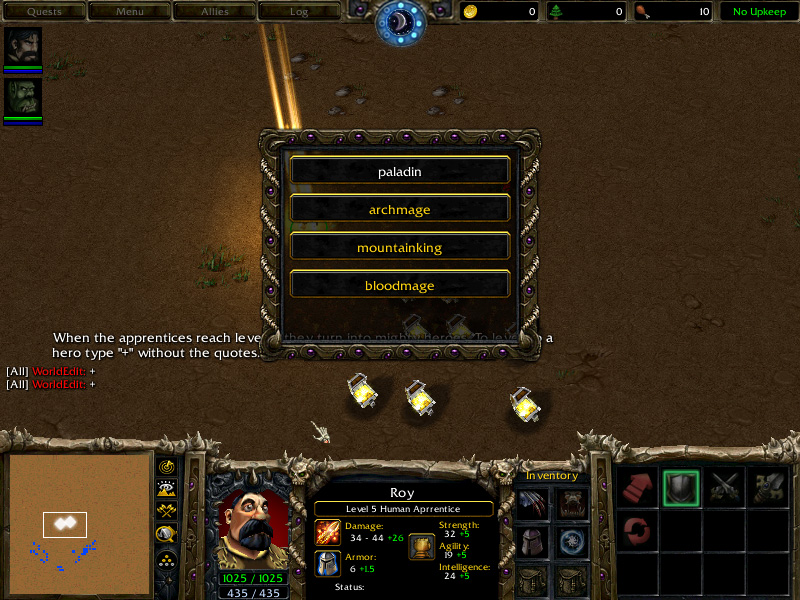
see the setup trigger. Change the Morphers_Level ( the level on which units morph). After that there's the way to configure morphers. It's all shown in Setup Trigger : set Add_Unit_Temp = "unit that will morph" ; set Add_Unit_Secondary[1,2,3,4 or 5] = "one of the secondary forms" ( up to five for now) . Then Run Trigger - AddUnit. Repeat for all the units that will morph (up to 30 for now) and finally Run Trigger - SetButtons. I think it's all clearly shown in the setup trigger
Please, don't vote yet. I don't care if it's 5/5 or 1/5 this is not finished. I uploaded this by a request and i want the guy i made it for to tell me what to improve ( it's specially made for him after all ) . Fell free to post suggestions . Next version : will break the current limits ( note that there still cant't be too many dialog buttons, the screen is not large enough) , will do it more multi instancable ( different heroes morph on different levels, etc.) .
 4/5
4/5