Getting a custom lightning effect by replaceing the blp of lightning textures is not a good solution. You can't use the replaced lightning effect and the replacing one at a same time.
Now it is the time to use your mpq exporting tools.
Open war3x.mpq, and export "Splats\LightningData.slk" for next step.
Then open the slk file with Excel.
Copy a line and paste it at the empty line under the last line of lines which carries data.
Edit the "
Name", "
Dir", and "
File" of the new line.
You can rename the "
Name" to any 4 letters you like what do not match any exist "Name"s.
The program will find the skin by following the path "'
Dir'+'
File'."
Then import your custom lightning blp file to your map and set the path to what you just typed.
Then import LightningData.slk as the path "Splats\LightningData.slk" which was fixed by yourself.
Okay, now you are prepared to use to your custom lightning effect. Now you juse need to open unit editor and turn to page "abilities." Choose the ability which you want to apply the custom lightning on. Hold shift and double click "Art - Lightning Effect", then enter the 4-letter "
Name" there. The final step is to put an unit which carries the spell and test the map

Bad grammer, wrong prefix words using.... Forgive me plz
IGAVETHISSPELLFIVESTARS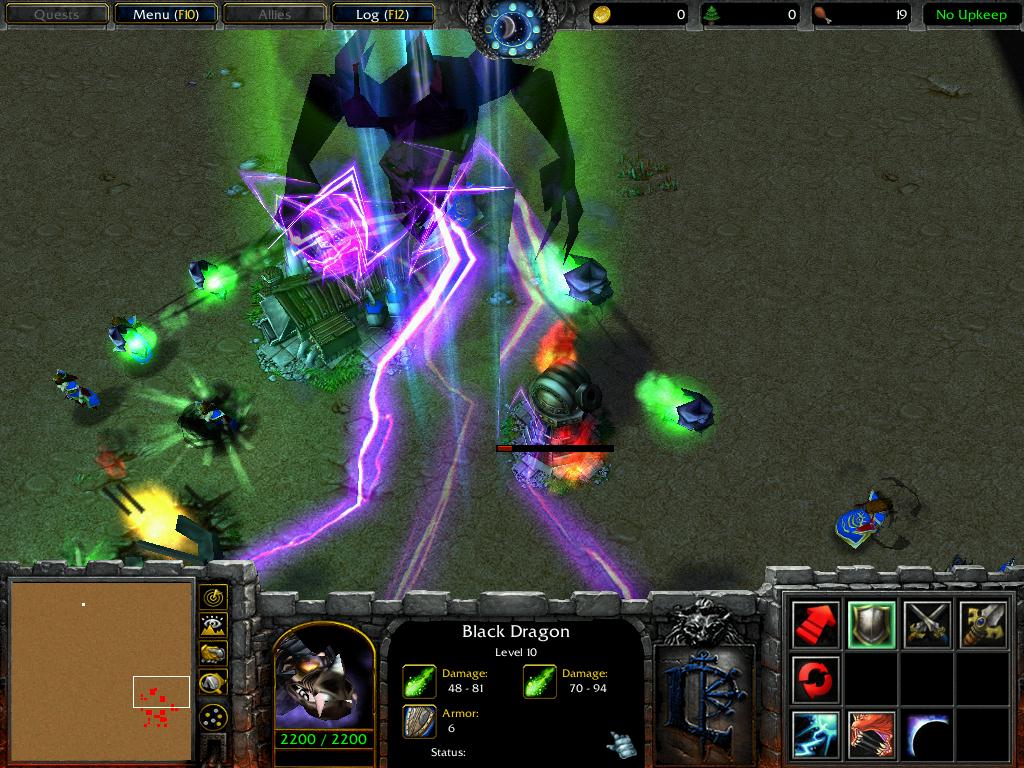














 5/5
5/5